
My next step, once I’ve got reasonably solid thumbnails (as seen last post) is to scan those thumbnails and pull out all the colored planning drawing, leaving just the final pencil lines. This can be done easily in Photoshop by going into image –> adjustments –> hue/saturation and then, in turn, selecting “reds,” “cyans” and “blues” and pulling the “brightness” slider all the way up on each. Once that’s done I up the brightness and contrast a bit as well.
At this point, I go in (again, in Photoshop) and put in “placeholder” lettering. I usually hand-letter my work, but it’s absolutely necessary at the thumbnail stage to make sure that I’ve left enough room for the words. If this were a book that I were going to do completely cover-to-cover, I’d also want to be able to enlarge the thumbnails with the lettering and put them in a binder so I could read the entire book at this stage, so I can get a feel for the whole work (and do any necessary editing) before I do any penciling at all.
Anyway, here are the resulting lettered thumbnails:
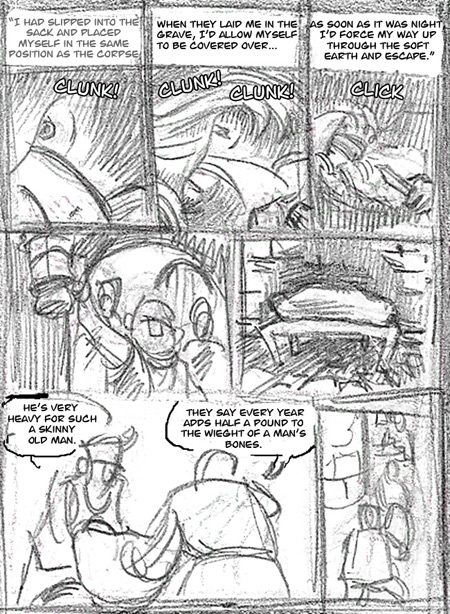
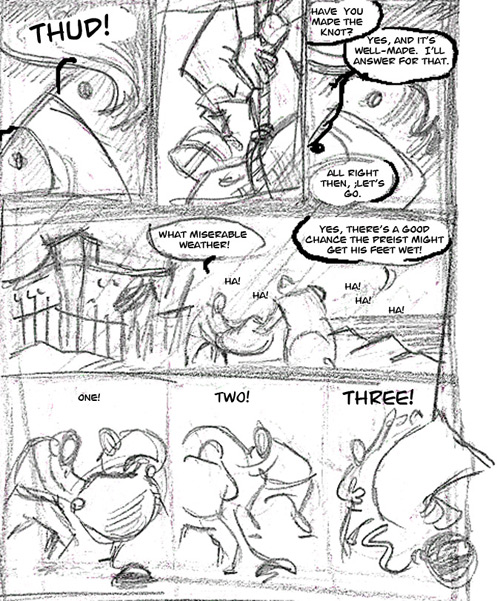
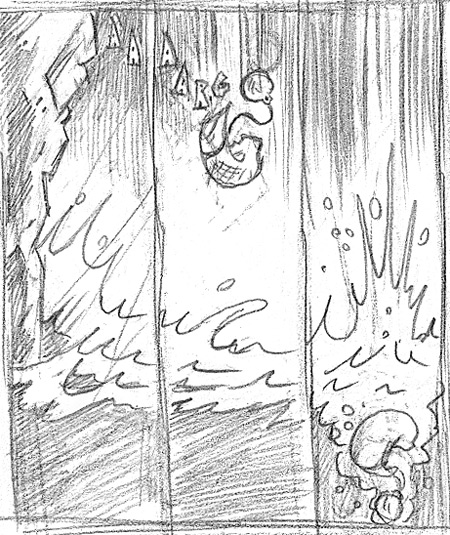

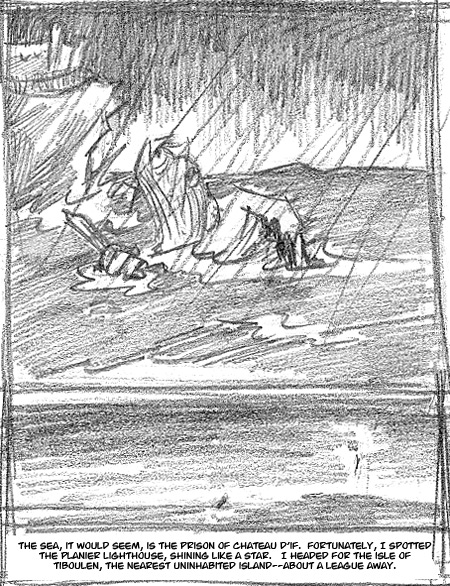
(Incidentally, I’ve added a “Count of Monte Cristo” tag to the blog. If nothing comes of this, though, I’ll just fold it all back into the more general “art projects” tag.)
Recent Comments